

Every website will eventually have a bad day. A plugin update breaks the layout, someone deletes the wrong page, a server fails, or malware slips in. On that day, a recent backup turns a crisis into a short inconvenience. Without one, you may be rebuilding from scratch.
A widely used rule of thumb is the 3-2-1 backup strategy: keep at least three copies of your data, on two different types of storage, with one copy off-site. For a website, that might mean your live site, your host’s daily snapshots, and an automated copy sent to separate cloud storage you control.
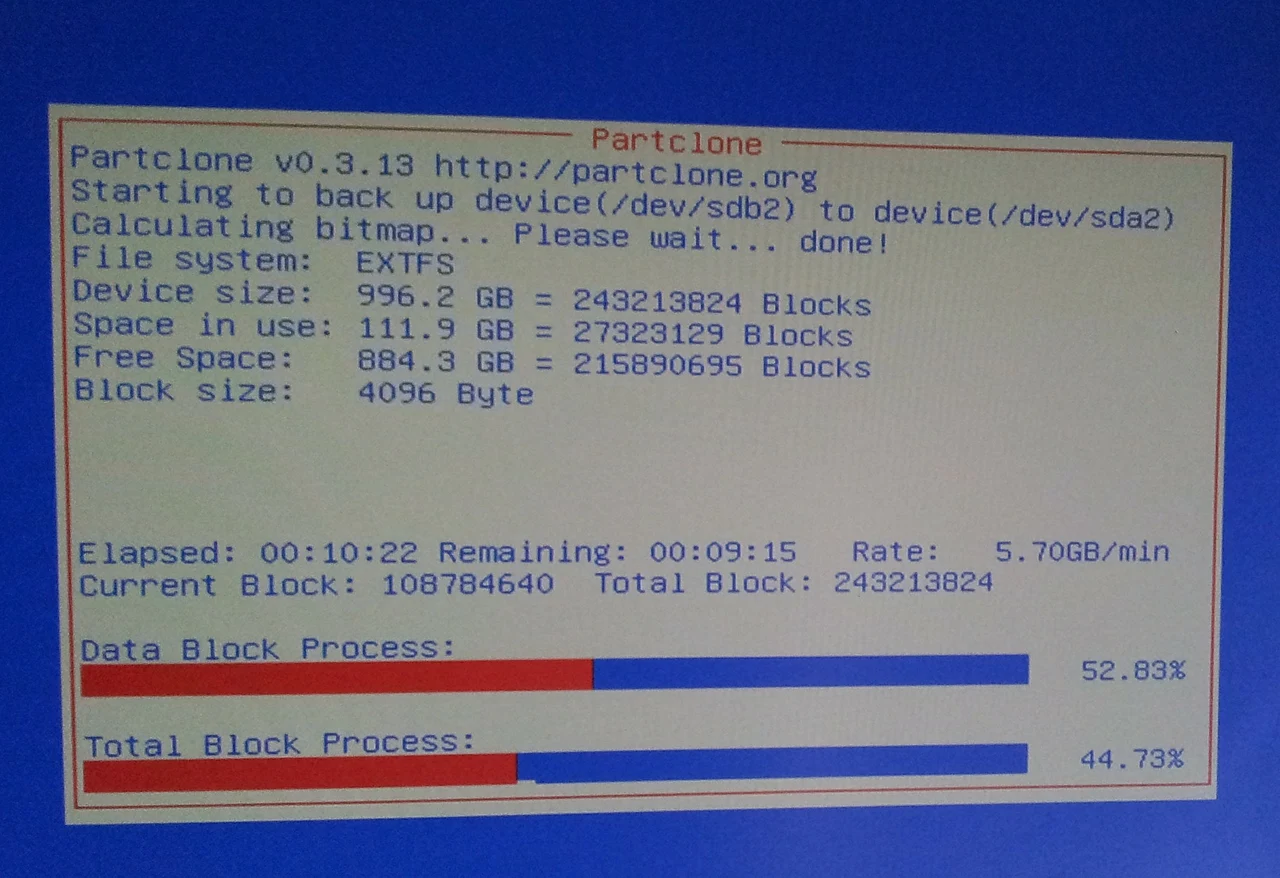
Know where your backups live and who can reach them. A host’s built-in backups are convenient, but they disappear if the account is suspended or the host has an outage. Keep at least one copy somewhere you control, and make sure ransomware or a compromised password can’t delete every copy at once; storage that is offline or set to be immutable for a period of time adds that final layer of safety.
What a good website backup includes
- Everything: the database and the files (uploads, themes, plugins, configuration).
- Frequency that matches change: daily for busy stores and blogs, weekly for sites that rarely change, plus a manual backup before every update.
- Retention: keep several weeks of history, because some infections go unnoticed for days.
- Off-site storage: backups stored only on the same server can be lost or encrypted along with it.
Most importantly, test your restores. A backup you’ve never restored is a hope, not a plan. Once a quarter, restore a copy to a staging site and confirm it actually works. It’s the only way to know your safety net will hold.
Not sure your backups would actually work? Efishinsea Web Development can set up automated off-site backups and test restores for you.
Get in touch with our team and let’s talk about your website.