

Roughly one in four adults lives with some form of disability, which affects how they see, hear, move or process information online. An accessible website works for people using screen readers, keyboard navigation, voice control or simply larger text. It’s also increasingly a legal expectation; the U.S. Department of Justice publishes guidance on web accessibility and the ADA.
The recognized standard is the Web Content Accessibility Guidelines (WCAG). You don’t need to memorize it to make real progress. Most problems on small business sites come from a short list of common issues.
Accessibility isn’t a one-time project. Every new page, image and video is a chance to keep things accessible or slowly drift away. Give your content editors a short checklist covering alt text, heading order, link text and color contrast, and review new pages with a quick automated scan before they go live.
Quick wins
- Meaningful alt text on images (and empty alt text on purely decorative ones).
- Enough color contrast between text and background.
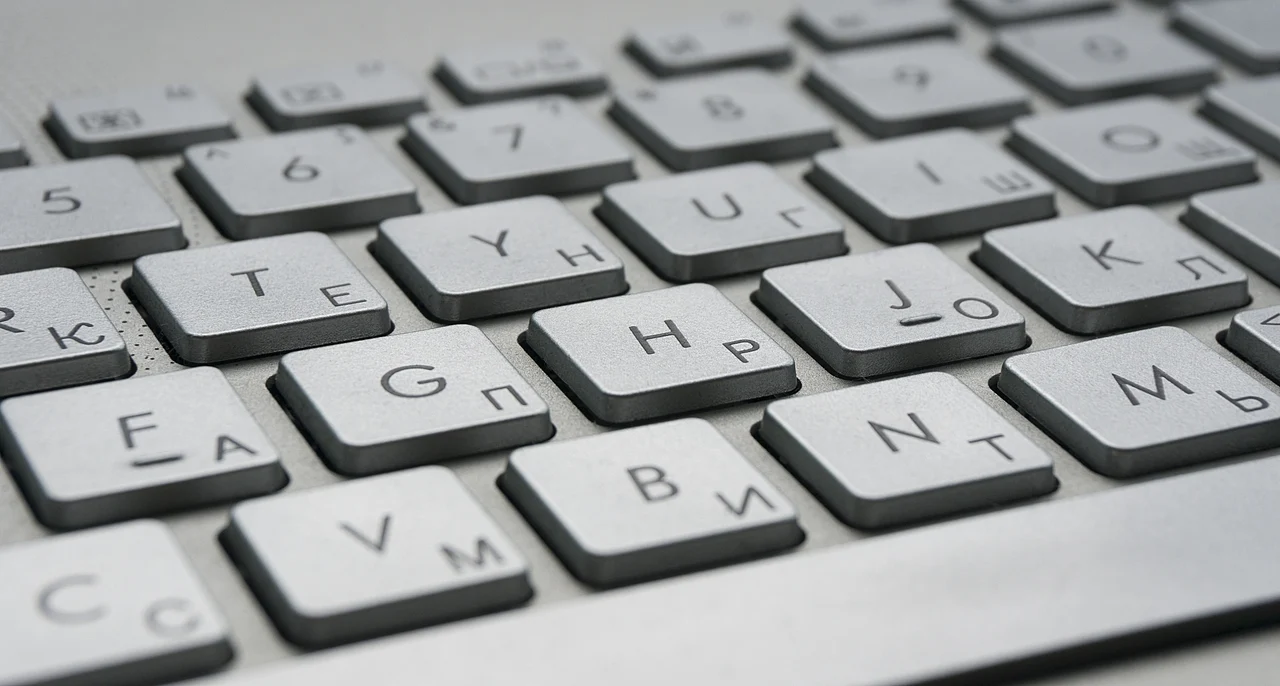
- Every feature usable with a keyboard alone, with a visible focus outline.
- Real headings in order, labeled form fields, and descriptive link text instead of “click here.”
- Captions for videos and no content that relies on color alone.
Free tools like WAVE and Lighthouse catch many issues automatically, but nothing replaces trying your site with only a keyboard or a screen reader. Accessibility also overlaps heavily with good SEO and usability, so the effort pays off for every visitor.
Want to know how accessible your site really is? Efishinsea Web Development can audit your site and fix the issues that matter most.
Get in touch with our team and let’s talk about your website.